Ansible Playbooks:
After revisiting some of my ansible playbooks, I noticed that a few were no longer working. This prompted me to dig a little deeper and I realized the need to update my scripts. Since I initially created my playbooks on my MacBook and on a RHEL8 VM in my lab, I decided to start from scratch and share my journey.
In this blog post, I will demonstrate how to deploy RHEL9 and perform an update which will upgrade all packages and security patches.
In my last blog post, I showed how to deploy a RHEL9 VM along with updates and security patches, make sure to check it out to follow along. How to Deploy Ansible on a RHEL9 VM – PART1
In this blog post, I will demonstrate how to install Ansible on RHEL9 laying What the foundation for additional modules like VMware, NetApp, Meraki and others…..
Ansible is a free and an open-source automation and configuration tool. As I mentioned previously, on RHEL 9 Ansible core package is available in the default package repository. Therefore, we don’t need to enable any additional repositories like Ansible Engine or EPEL on previous versions of RHEL.
Prerequisites:
- Minimal RHEL 9 installation
- Sudo user with Admin Rights
- Locally Configured Repository or Subscription
Install Ansible with dnf Command
Log into your VM with a privileged account


Launch a Terminal Session

run the following command ~sudo dnf install -y ansible-core

enter the password of the privileged account

monitor the installation of Ansible


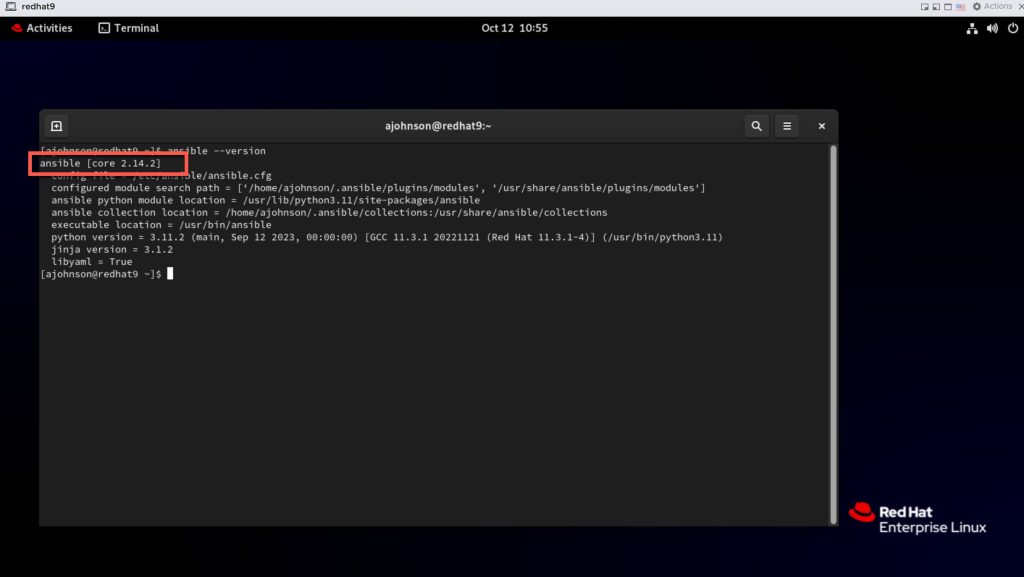
Now that the installation is complete, lets validate the Ansible version installed


Now that I have successfully installed Ansible on my Redhat RHEL9 VM, the next step is to install the various vendor modules in preparation of me updating my ansible playbooks.